Proof your gear is yours.
Every kite, wing, board and bar on Kitelost can carry a verified serial number, so buyers, shops and the community know it's the real thing, owned by the real person.
Empieza ahora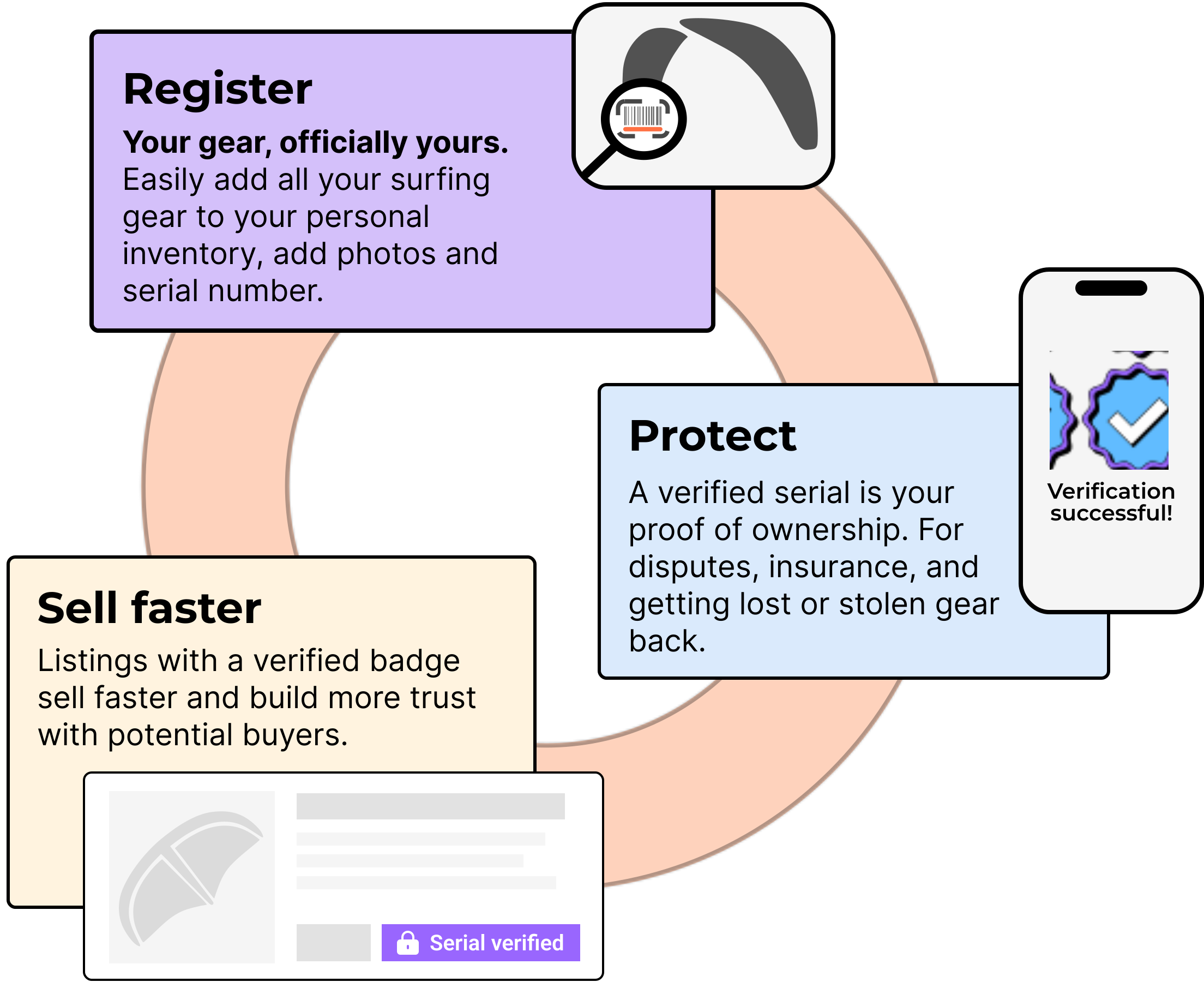
Registrado significa que está anotado. Verificado significa que lo hemos visto.
Gear on Kitelost can be Registered or Verified. Here's the difference, side by side.
Registered
What it tells you
- The owner has added this item to their account and entered its serial number, including a photo of it.
- The serial number is locked to that gear item.
- That serial can never be deleted to be re-registered.
- It's unique in our database
- Our AI verification system considers the image valid.
- It matches the brand's database of serials. (see supported brands)
- Anyone who finds it can match the serial back to the owner
Lo que no significa
- No other human has confirmed the serial number
The main goal is to make it much harder for scammers to simply create an ad for an item they don't even have. However there are always ways to cheat any system.

Verified
What it tells you
- A verified account (pro/shop/school) has registered the serial number.
- Or: another Kitelost user has verified the authenticity (after buying)
- An extra layer of confirmation that the item exists and is in possession of the seller.
Lo que no significa
- Fully protect you from getting scammed
This confirms the item is real and in possession. It doesn't mean you can't get scammed. Always take sufficient precautions. More about safe trading Más sobre comercio seguro
Why register my serial numbers now?
Nobody wants to buy stolen gear
- Stickers and markers can be removed by thieves without leaving a mark
- Everyone can check our database for stolen gear, regardless of where they're buying
- QR's scratch, stickers peel, markers fade. Serial is your fallback for lost gear
- Sell faster with verified serial numbers
Secure your quiver under a minute
Two steps. One photo. Done
Add the item to your inventory
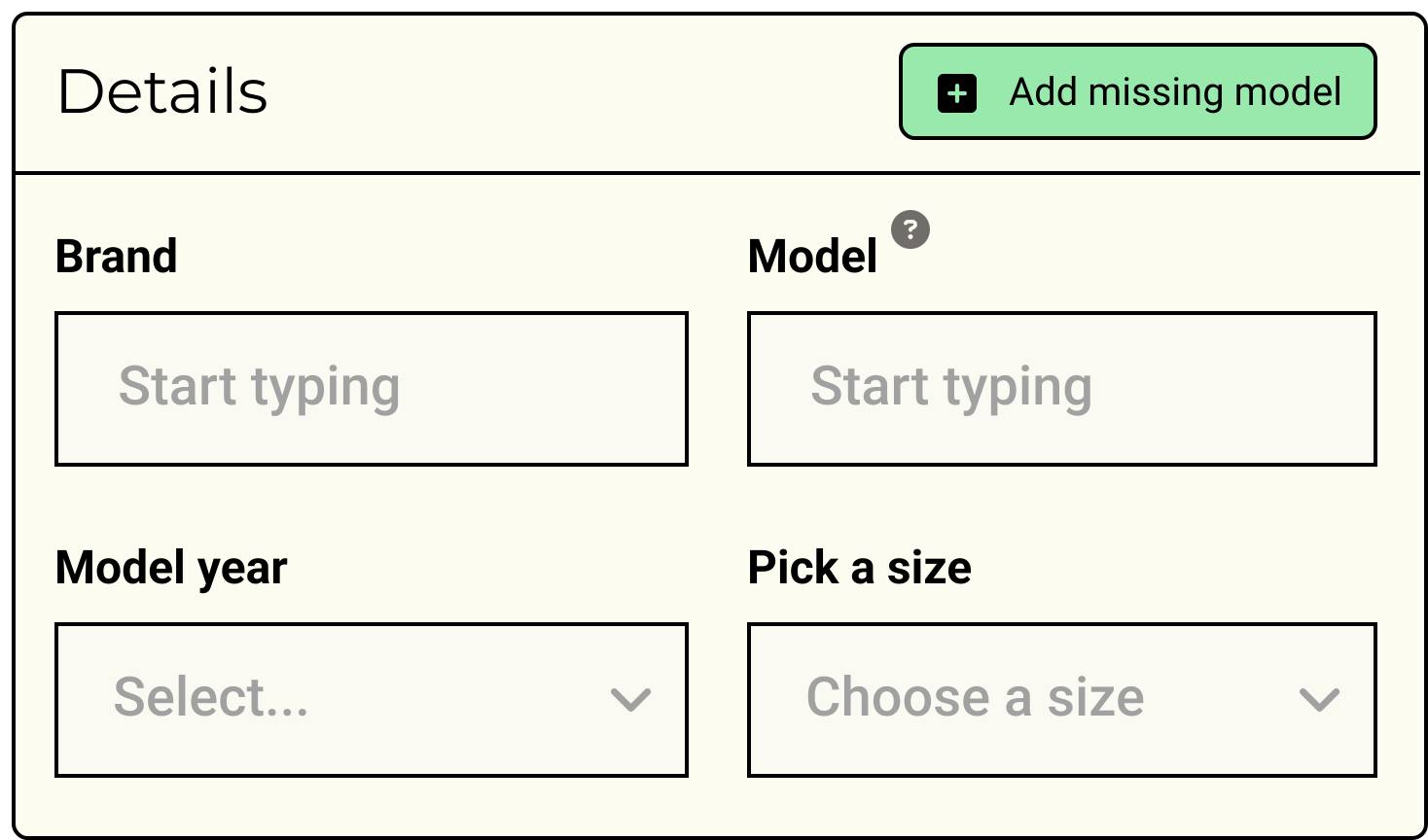
From your dashboard, tap Add gear and pick the type. Enter brand, model and year. You can add as many items as you own. If you don't see your brand/model/year combo in our catalog, click add missing model.
Open the gear details
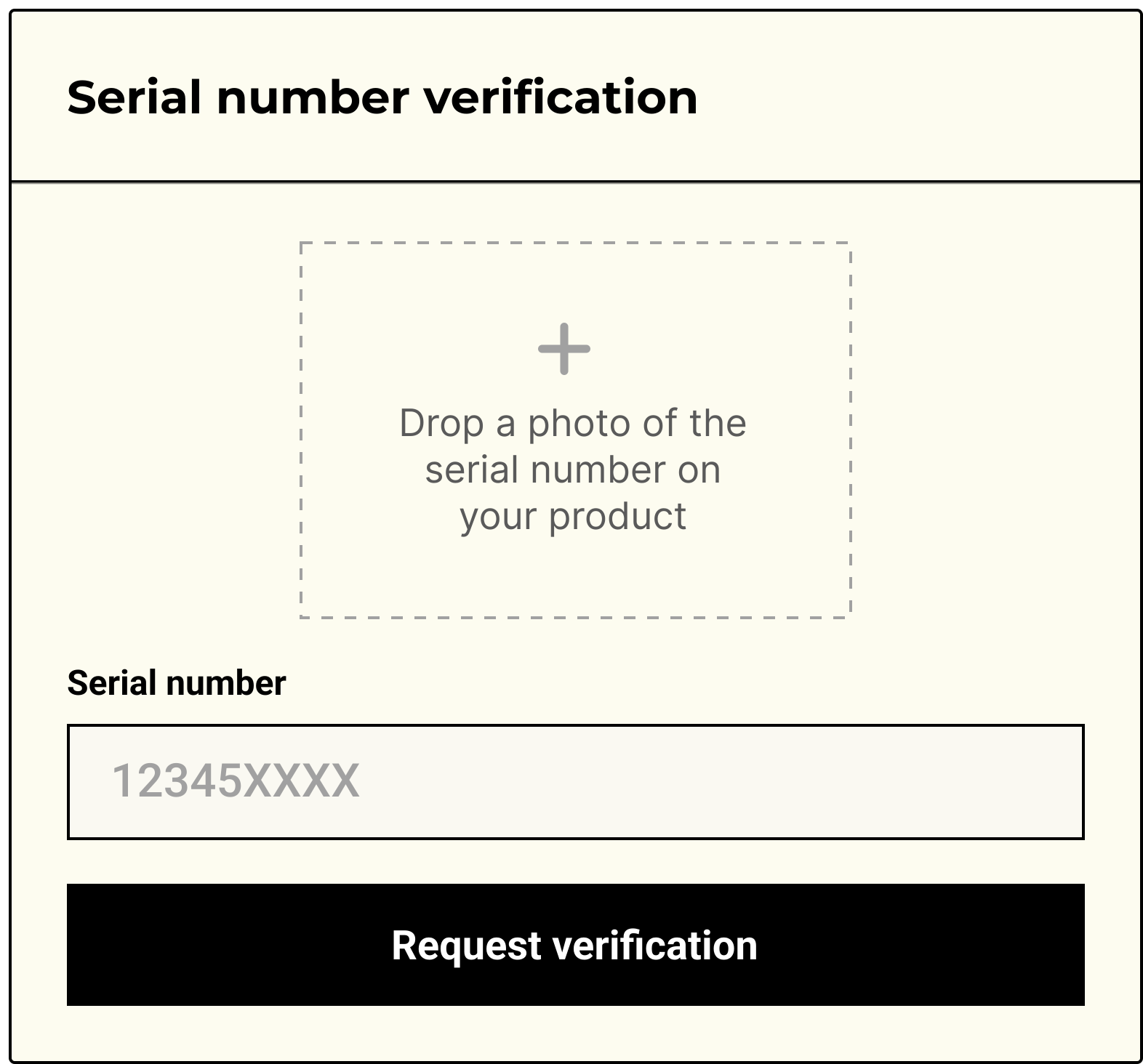
Each item has its own detail page where you manage images, see history, connect QR stickers and add the serial number.
Drop in a clear photo of your serial number, and carefully type in the serial too. The system will run several checks to verify the validity and authenticity of your image.
If the system doesn't verify, carefully confirm no typo's were made. Try taking a new photo and covering other numbers or text that's visible.
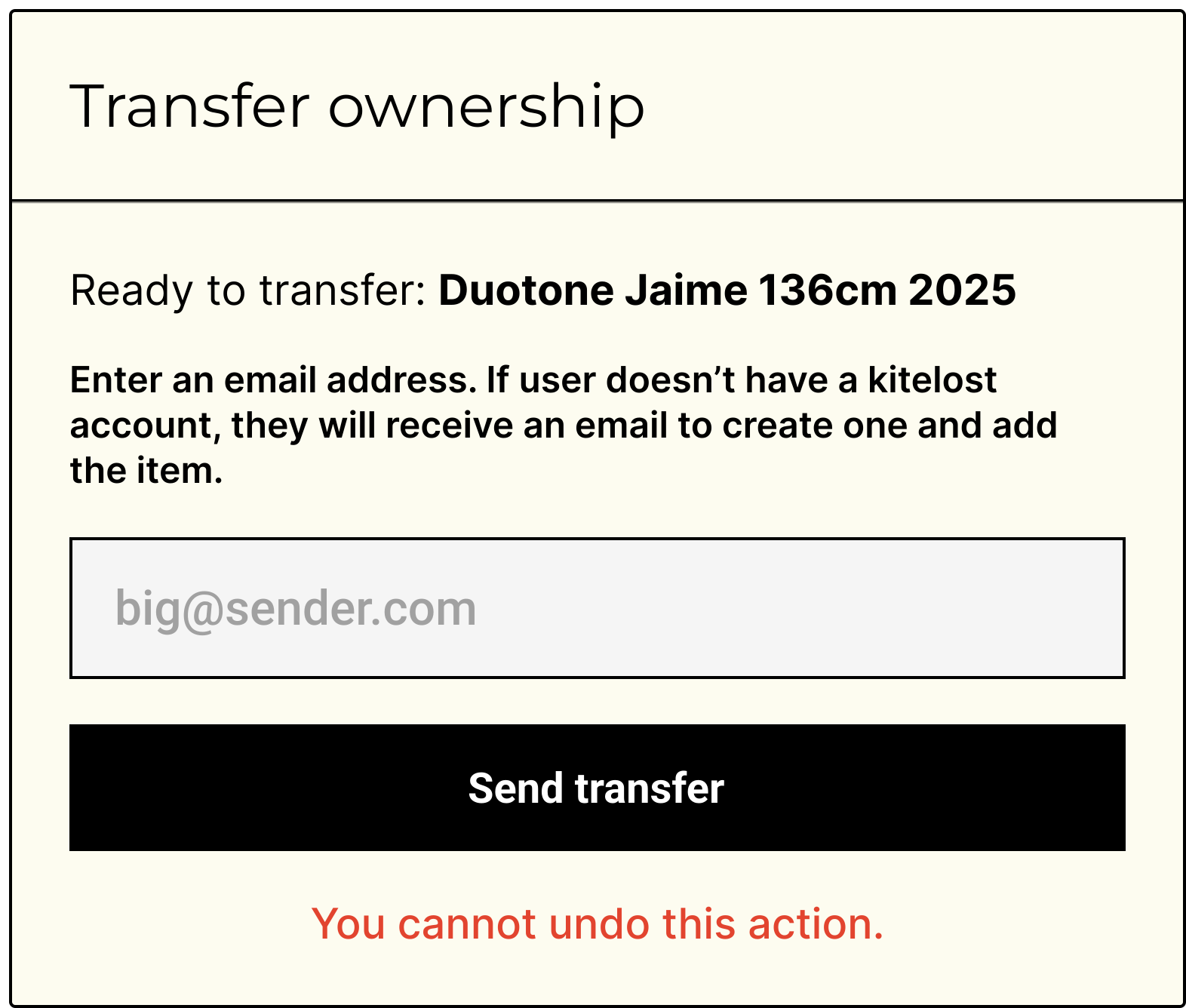
Transfer after selling
Make sure to transfer ownership of the item after selling it, or the new owner won't be able to register that serial number.
This is the only way to get reviews on Kitelost.
Add the badge that protects your gear.
One photo. Lifelong proof. Verified gear sells faster, recovers easier, and makes the second-hand market a little less stealable.
FAQ
Las respuestas de las FAQ están por ahora en inglés.